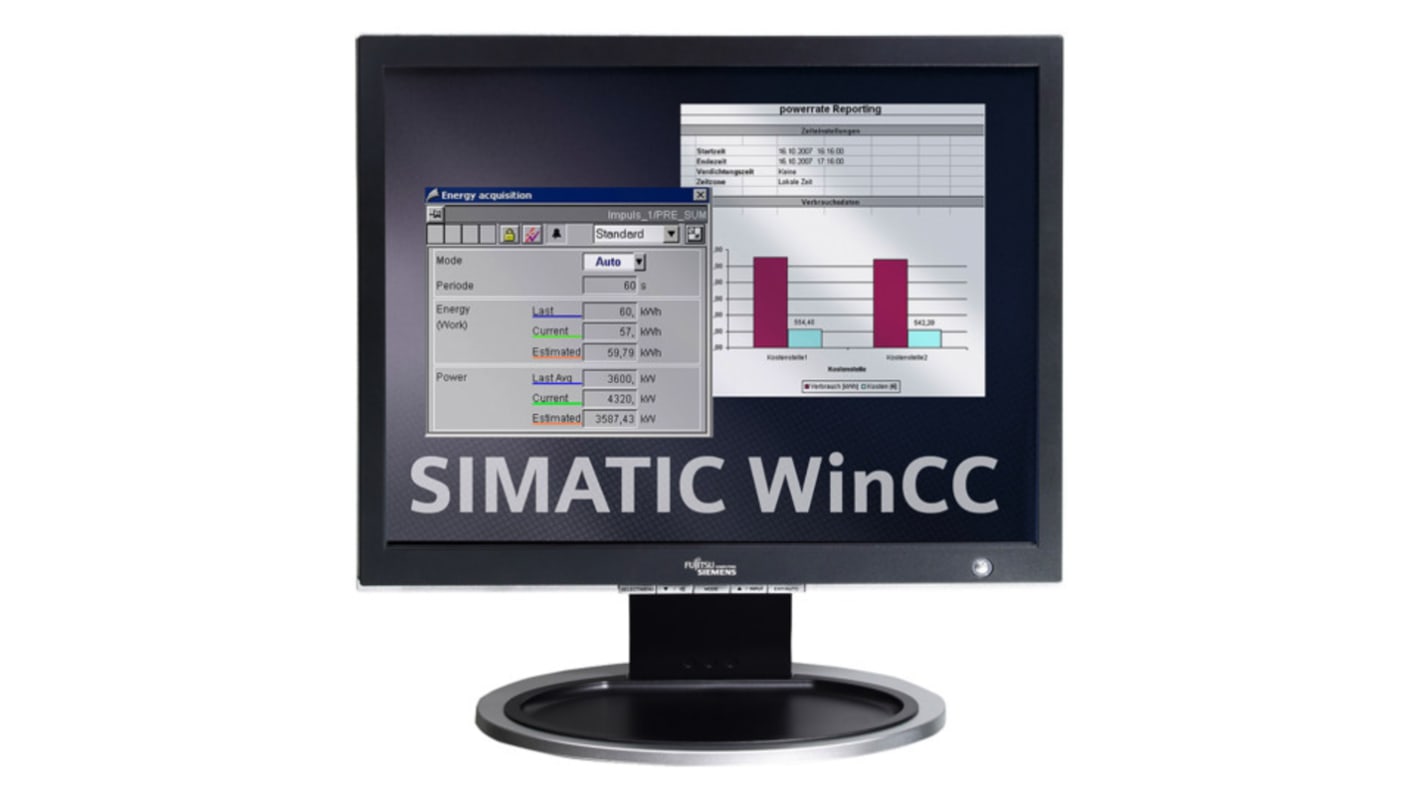
Siemens SIMATIC WinCC Basic V18 TIA Portal Software Windows
- RS Stock No.:
- 267-4665
- หมายเลขชิ้นส่วนของผู้ผลิต / Mfr. Part No.:
- 6AV2100-0AA08-0AA5
- ผู้ผลิต:
- Siemens

ไม่พร้อมจำหน่ายในตอนนี้
เราไม่ทราบว่าสินค้านี้จะกลับมาในสต็อกหรือไม่ RS ตั้งใจที่จะลบสินค้านี้ออกจากกลุ่มผลิตภัณฑ์ในเร็วๆ นี้

- RS Stock No.:
- 267-4665
- หมายเลขชิ้นส่วนของผู้ผลิต / Mfr. Part No.:
- 6AV2100-0AA08-0AA5
- ผู้ผลิต:
- Siemens
คุณสมบัติ / Specifications
ข้อมูลทางเทคนิค / Technical Data Sheets
Legislation and Compliance
รายละเอียดสินค้า / Product Details
ค้นหาผลิตภัณฑ์ที่คล้ายกันโดยเลือกคุณลักษณะอย่างน้อยหนึ่งรายการ
เลือกทั้งหมด | คุณลักษณะ | ค่า |
|---|---|---|
| Brand | Siemens | |
| Product Type | Software | |
| Type of Software | TIA Portal | |
| Software Name | SIMATIC WinCC Basic V18 | |
| Operating System | Windows | |
| Standards/Approvals | RoHS, REACH | |
| เลือกทั้งหมด | ||
|---|---|---|
Brand Siemens | ||
Product Type Software | ||
Type of Software TIA Portal | ||
Software Name SIMATIC WinCC Basic V18 | ||
Operating System Windows | ||
Standards/Approvals RoHS, REACH | ||
- COO (Country of Origin):
- DE
Siemens Software, TIA Portal, Windows Operating System - 6AV2100-0AA08-0AA5
This software is tailored for industrial automation applications, catering to users in the automation, electronics, electrical, and mechanical sectors. It serves as a comprehensive platform for engineering tasks within the TIA Portal, allowing for project management and development for SIMATIC Basic Panels. It represents a flexible option for those seeking trustworthy software for automation solutions.
Features & Benefits
• Offers floating licence for improved accessibility
• Includes software and documentation on DVD for straightforward installation
• Supports various languages to accommodate diverse user requirements
• Integrates seamlessly with engineering tools for efficient project execution
• Features a user archive for effective data management
Applications
• Compatible with multiple Windows operating systems for user convenience
• Supports involving alarm management and trend representation
What are the primary system requirements for installation?
The software necessitates a compatible Windows operating system, such as Windows 7 or Windows 8, alongside sufficient system resources for optimal functionality.
How does one manage multiple users with the software?
It includes a multi-user capability that allows for simultaneous access, fostering collaboration on projects while ensuring efficient workflows.
What languages are available within the software?
The software supports nine languages, including English, French, and Spanish, catering to a broad user audience.
ลิงก์ที่เกี่ยวข้อง
- Siemens SIMATIC WinCC Comfort V18 TIA Portal Software Windows
- Siemens SIMATIC WinCC Advanced V18 TIA Portal Software Windows
- Siemens SIMATIC STEP 7 Basic V18 TIA Portal Software for Windows
- Siemens SIMATIC WinCC Unified V18 TIA Portal Software Windows
- Siemens SIMATIC WinCC Unified V18 TIA Portal Software for Windows
- Siemens SIMATIC STEP 7 Professional V18 TIA Portal Software Windows
- Siemens SIMATIC WinCC RT Professional TIA Portal Software Windows
- Siemens SIMATIC WinCC Unified Client TIA Portal Software Windows